Best forTrip albums, expedition books, prints, and wall displays
MarketBrazil
Creation toolsPhoto upload, themes, layouts, and assisted book building
Product rangePhoto books, prints, albums, frames, calendars, and gifts
Our takeBest when you curate a focused story before opening the editor
Outdoor photos tend to live in two places: buried in a camera roll or scattered across memory cards. Both are easy to forget. A well-edited physical collection gives a hike, road trip, surf weekend, or family camping season a beginning, middle, and end that is much easier to revisit.
That is the practical appeal of Phooto. The Brazilian photo service brings several memory-keeping formats into one storefront, from classic prints and albums to designed photo books, wall pieces, calendars, and personalized gifts. This review looks at how the service fits an outdoor storytelling workflow, what to prepare before ordering, and where its range is most useful.
Disclosure: This article contains affiliate links. If you purchase through them, Outdoor Story Lab may earn a commission at no extra cost to you.
Phooto Review: The Best Use Case for Outdoor Storytellers
Why a photo book works better than an unfiltered camera roll
A phone can hold thousands of images, but abundance is not the same as a story. A photo book forces useful decisions: which landscape establishes the location, which trail detail adds texture, which portrait introduces the people, and which final image closes the trip. That editing process turns documentation into a narrative.
Phooto is especially relevant when you want one destination for several outputs. A long trek may deserve a substantial hard-cover book. A short weekend might work better as a compact album or a set of prints. One panoramic summit image could become wall art, while a handful of family-camping photos might suit a calendar or gift.
Who should consider it
The service makes the most sense for customers in Brazil who already have a coherent set of travel, nature, or family-outdoor photos and want a finished physical object. It also suits gift buyers who can collect images from a shared trip. If your archive is still full of duplicates, screenshots, and unedited bursts, however, spend time organizing it first; no printing platform can replace a clear photo selection.
Review current formats, prices, promotions, and delivery estimates before ordering.

What You Can Make With Phooto
Photo books for complete trip narratives
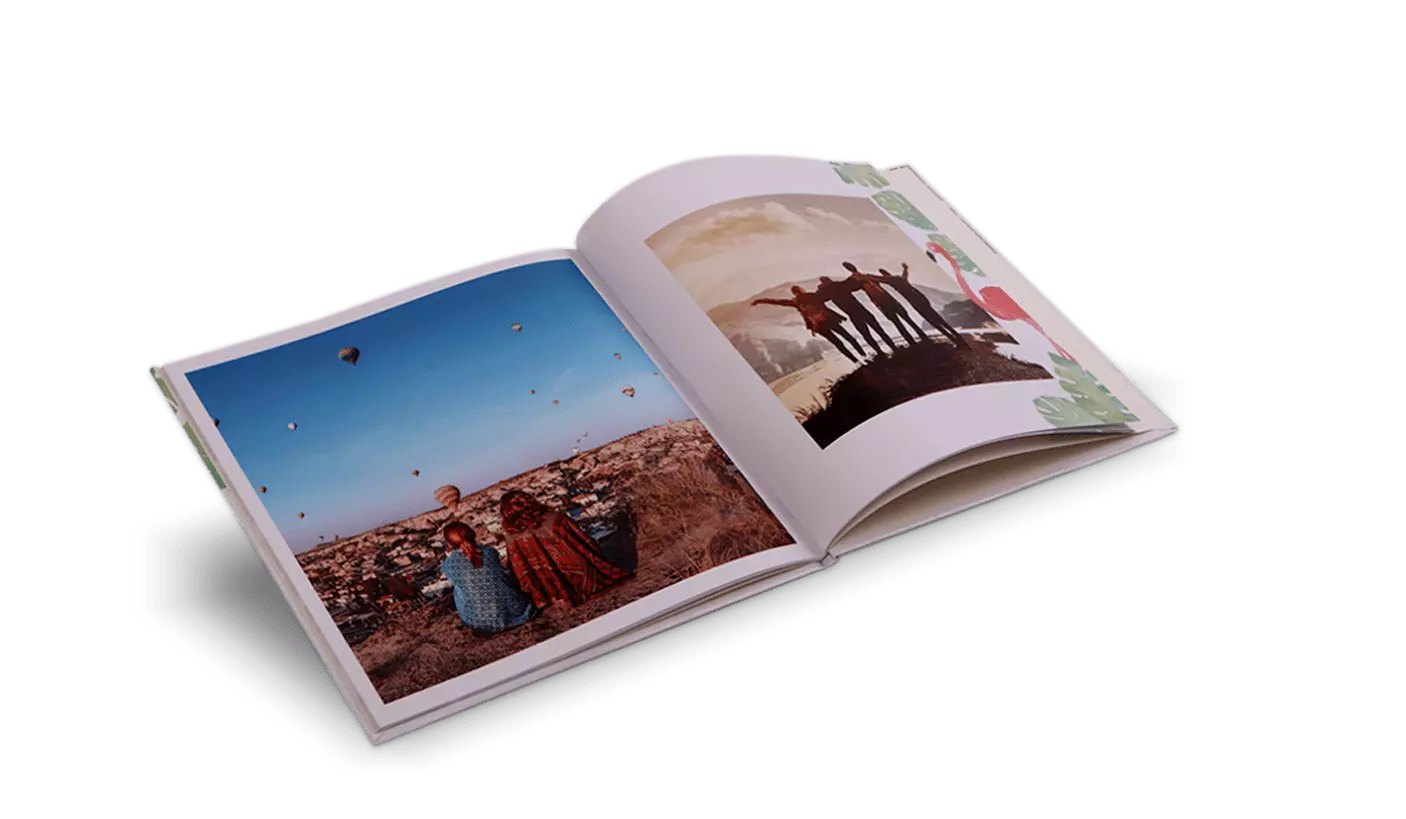
Photo books are the clearest match for Outdoor Story Lab readers. Phooto lists multiple cover styles and sizes, including magazine-style options, hard covers, Glow covers, and HD photographic-paper books. The useful difference is not simply appearance. Size, paper, binding, and page count change how a story feels in the hand.
A larger landscape-friendly format gives mountain panoramas and camp scenes room to breathe. A compact book is easier to share and can be a better match for a single weekend. Hard covers suit milestone journeys and gifts, while simpler formats can make sense for annual recaps or a series of smaller adventures. Browse the current Phooto photo-book options before building, because format availability and offers can change.
Prints and albums for a flexible archive
Traditional prints remain useful when you want flexibility. You can rearrange them, replace a page later, add handwritten notes, or combine photos with trail permits, maps, tickets, and other trip ephemera. Phooto offers common print sizes as well as albums intended for printed photographs, which is a simpler route for people who do not want to design every page digitally.
Wall art for one decisive image
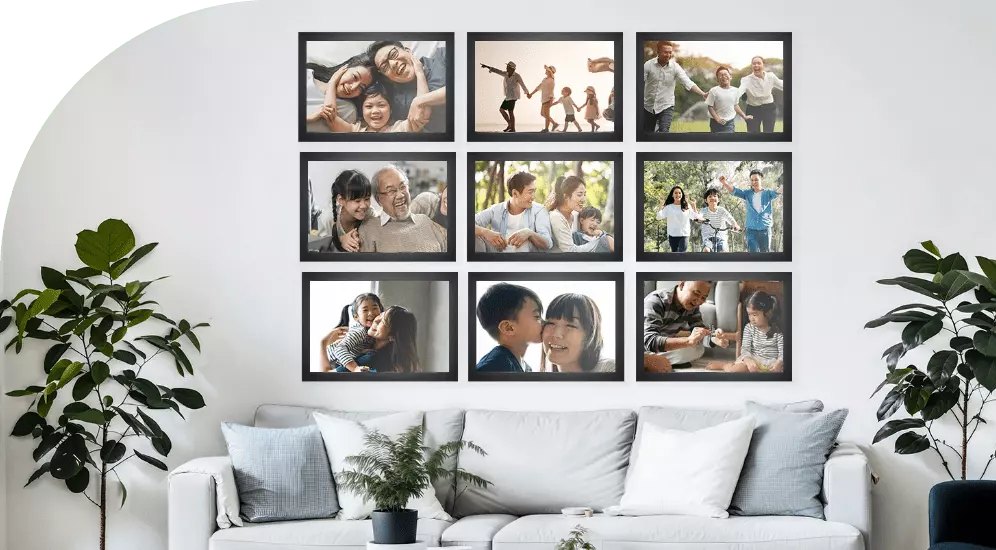
Not every journey needs a book. Sometimes one frame contains the whole memory: the first light on a ridge, a quiet campsite, a waterfall reached after hours on foot, or the family portrait that survived wind and rain. Phooto’s wall category includes canvas-style photo panels and other display formats. These products reward careful source-file inspection because a large print makes blur, aggressive noise reduction, and missed focus easier to see.
Calendars and personalized gifts
Calendars can turn a year of adventures into a useful monthly sequence. Personalized home and office products are more casual, but they can work well as group-trip gifts. The key is matching the image to the surface: a clean subject and simple background usually reproduce better on a small object than a crowded forest scene with tiny details.
How the Phooto Creation Workflow Fits a Trip Archive
Start with a short, edited folder
Do not upload an entire camera roll and hope the layout will solve the story. Create a separate folder for the project, remove obvious duplicates, and aim for a deliberate sequence. For a photo book, a practical starting set might include an opening landscape, arrival and preparation scenes, people on the route, environmental details, the high point of the trip, camp or recovery moments, and a closing frame.
Prepare files before using the editor
Make basic exposure, white-balance, horizon, and crop corrections first. Keep the largest clean version of each image. Screenshots and files repeatedly downloaded from social media are poor printing sources because compression can strip detail. If a photograph looks soft at full screen, do not expect a larger physical print to hide it.
Use themes and automation as a first draft
Phooto promotes QR-code photo upload, ready-made themes and layouts, plus an AI-assisted option that can assemble a book. Those tools can reduce setup time, particularly for a large batch of phone photos. They are best treated as a first draft. Review every crop, keep faces away from page edges, and make sure a dramatic two-page image does not lose its subject in the center fold.
For travelers who value speed, the assisted route is one of the more appealing parts of the platform. For photographers who care about exact sequencing, the editor still needs a careful final pass. You can open Phooto and compare the current creation options before deciding how much control your project requires.

Print Quality, Formats, and Ordering Practicalities
Choose the product around the photographs
Glossy-looking finishes can make color feel vivid, while more restrained surfaces may be easier to view under changing indoor light. Likewise, a square book works naturally for mixed phone photography, but a landscape-oriented project may better support wide trail and coastline compositions. Phooto’s range is valuable because it lets the photographs lead the format decision rather than forcing every project into the same template.
Check the live price and production estimate
Photo-product pricing is affected by format, page count, finish, shipping, and active promotions. Phooto maintains a price-and-delivery page, but the final project configuration is the number that matters. Check the current total before purchase, especially when adding pages or ordering a larger display piece. If the book is a birthday, holiday, or post-expedition gift, build in a buffer for editing, production, shipping, and any correction you may want to make.
Review the preview like a gear checklist
Before checkout, inspect every spread. Look for duplicate images, unintended blank pages, cropped heads, small text, inconsistent dates, low-resolution warnings, and captions placed too close to an edge. Confirm the delivery address and product dimensions as carefully as you would check water, navigation, and layers before leaving a trailhead.
Phooto Pros and Cons for Adventure Photography
Pros
- Wide choice of physical formats for full trip stories, individual prints, and display pieces.
- Photo-book sizes and cover styles can suit both quick weekends and milestone journeys.
- Guided layouts, QR upload, and assisted creation can reduce setup time.
- One storefront can cover books, albums, wall art, calendars, and gifts.
- Particularly relevant for customers ordering and delivering within Brazil.
Cons
- A large unedited archive still requires substantial preparation before upload.
- Physical products require production and delivery time, so last-minute gifts are risky.
- Final cost can change with size, finish, extra pages, shipping, and promotions.
- Automated layouts still need human review for crops, sequencing, and page balance.
- The service is less relevant if you only want cloud backup or purely digital sharing.
How to Build a Better Outdoor Photo Book
A practical pre-upload checklist
- Define one story: one expedition, one destination, one season, or one year.
- Remove repeats: keep the frame with the best expression, light, and focus.
- Mix scale: combine wide landscapes, mid-distance action, portraits, and close details.
- Protect quality: use original files and avoid social-media downloads.
- Check orientation: know which images need portrait, landscape, or square space.
- Add context: dates, trail names, elevations, or short captions can anchor the memory.
- Proof slowly: review once for story, once for image crops, and once for text.
Use captions selectively
A caption is most useful when it adds information the photograph cannot: the name of a route, the weather shift that changed the day, a distance, a campsite, or why a quiet moment mattered. Avoid explaining every visible object. Short captions keep the book moving.
Let difficult days stay in the story
The strongest outdoor books are not only highlight reels. Rain on the tent, muddy boots, a wrong turn corrected, tired faces at dinner, and gear drying the next morning create contrast. Including a few imperfect moments makes the summit and sunset images feel earned.
Design for the person who will open it later
If the book is a gift, include enough context for someone who was not on the trip. If it is for your own shelf, preserve details your future self may forget. When you are ready, compare Phooto’s available formats and choose the simplest product that gives your best images enough room.
Phooto Review: Final Recommendation
Phooto’s strongest advantage is range. It can take the same outdoor archive in several directions: a chronological photo book, loose prints in an album, one large wall image, a calendar, or a personalized gift. The editor’s themes and assisted tools can speed up the first layout, while the selection of book formats gives more deliberate projects room to grow.
Our recommendation is straightforward: use Phooto when you have a defined story and want a physical result, not when you are still trying to organize years of unsorted images. Curate first, edit second, choose the format third, and only then build the product. That approach will have a larger effect on the finished piece than squeezing in every photograph.
Check current product specifications, pricing, promotions, and delivery timing on the merchant site.